
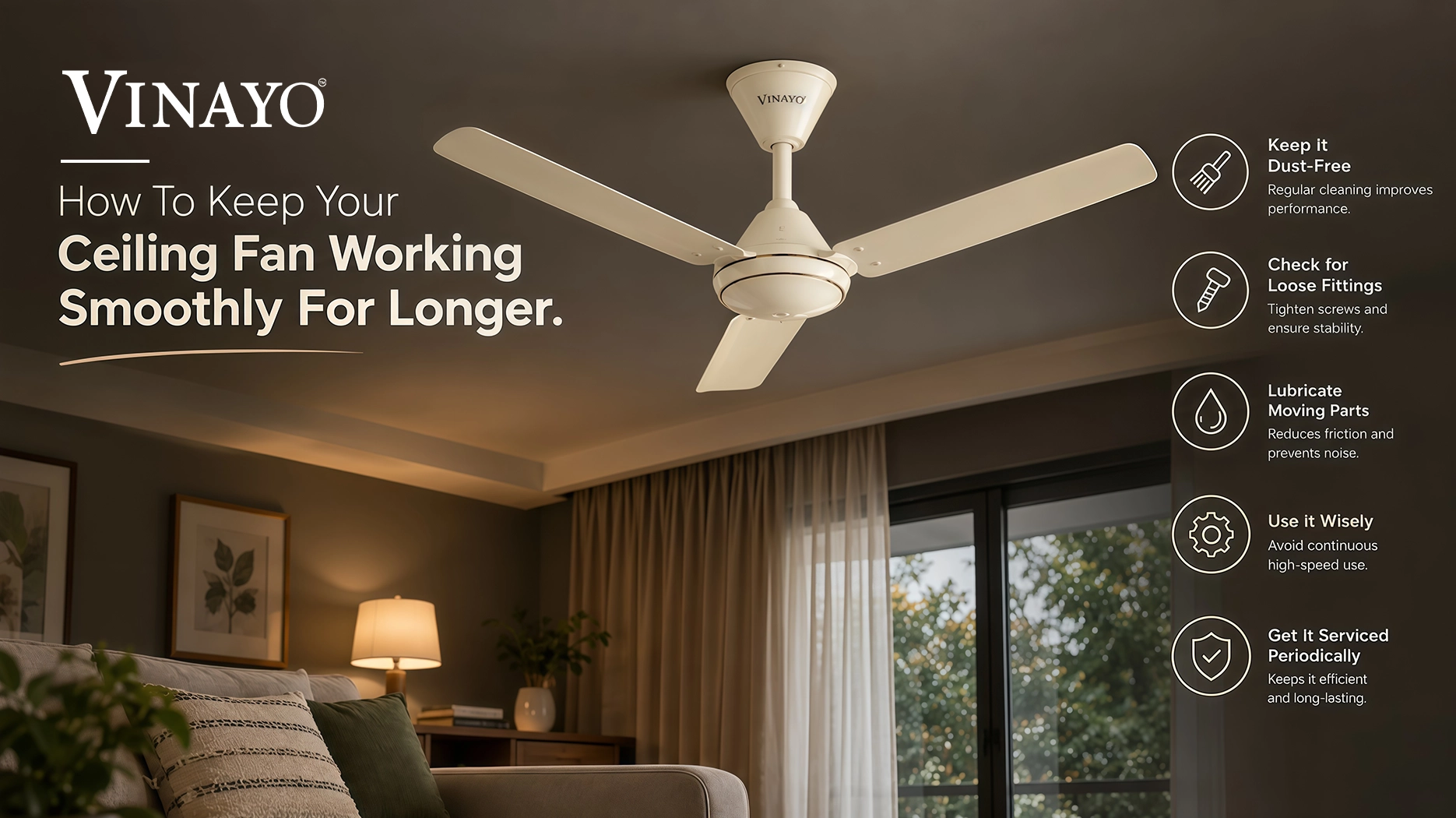
A ceiling fan is one of the most widely used appliances in Indian homes. It delivers day-to-day comfort and is in use for several hours at a time. As a result, it is vital to take proper measures to keep your ceiling fan working smoothly for years. Dust, loose components, electric issues, moisture and more can impact the performance of the appliance. A poorly-maintained ceiling fan may produce unusual sounds, wobble, slow down or reduce airflow.
The good news is, a ceiling fan doesn’t require complex maintenance. You only need to adopt a few key habits, perform regular cleaning and pay attention to unusual signs for your fan to deliver comfort throughout the years.
Here are some tips for you.
1. Clean your fan blades regularly
Dust tends to gather on the fan blades. As you can imagine, the rotating fan blades pick up dust and dirt from their surroundings. A thick layer of dust can impact the cleanliness of your fan blades, and may even hinder performance. Clean the fan blades regularly using a soft dry or slightly dampened cloth, depending on the recommended cleaning instructions provided by the manufacturer.
When cleaning your fan blades, ensure:
- The fan blades are stationary.
- Power to the fan is turned off, if required.
- You take proper support such as a step ladder if required.
- You avoid putting too much pressure on the blades.
- Do not flex or bend the fan blades when cleaning.
- Keep your fan balanced
A ceiling fan should rotate smoothly without much wobbling. If you notice that your fan is vibrating or swaying, double-check whether there is a visible issue with the alignment of the blades or the fan’s mounting. An unbalanced fan can produce extra vibrations and noise.
Avoid bending the blades to fix the fan yourself, instead, get your fan checked by a qualified technician if the issue persists.
3. Watch out for unusual sounds
A ceiling fan produces some level of noise as it operates, however, a sudden change in sound is not a good sign. Listen out for unusual sounds such as humming, clicking, rattling, grinding or repetitive knocking. Unusual sounds may indicate loose components, installation issues, electrical components, or worn out machinery. If the unusual sound persists even after you’ve turned the fan off and turned it on again, make sure to bring it to a certified technician for a closer inspection instead of ignoring the issue.
4. Make sure the fan’s mounting is secure
A fan’s mounting and installation play an important role in its overall performance. Due to vibrations over time, some components on your fan may become loose. If your fan appears to wobble or move around, it must be inspected. Avoid trying to fix electrical or structural issues yourself if you don’t have the right know-how. Contact a qualified technician for installation-related concerns.
5. Keep the area around the motor clean
While it’s easy to see the fan blades, dust can build up on the fan’s motor and external parts. When cleaning your fan, carefully wipe the fan’s motor housing and other external parts as recommended by the manufacturer. Avoid getting water, cleaning solutions, or other unnecessary liquids near the fan’s motor or electrical parts. Always turn off the fan before cleaning.
6. Avoid excess moisture
Moisture can affect the performance of electrical appliances, including ceiling fans, especially when it reaches electrical parts. Avoid using excess water when cleaning your fan, especially during the monsoon season or when there is a high level of humidity in the air. If water gets on the fan’s electrical parts, avoid turning the appliance on until it has been inspected and is confirmed to be safe. When it comes to cleaning your fan, always adhere to the manufacturer’s cleaning instructions.
7. Use your fan as intended
Every ceiling fan has a set of operating instructions and specifications provided by the manufacturer. Avoid using your fan in ways or places that the product is not suited for. Always ensure that you meet recommended voltage, installation requirements, operating instructions and specifications. If your fan has multiple speed settings, it’s best to only use the fan on a setting that is comfortable for you, rather than leaving it on the highest setting all the time.
8. Pay attention to reduced airflow
If you’re finding that your fan seems to rotate, but isn’t delivering the airflow it used to, it’s best not to jump to conclusions. Reduced airflow could have a number of potential causes including: dust, blade issues, installation issues, electrical supply issues, capacitor issues in applicable fan models, motor or component wear or other potential issues. First, make sure that you clean your fan and observe whether this resolves the problem. If reduced airflow persists, a qualified technician will be able to identify the cause.
9. Don’t ignore a wobbling fan
A barely swaying fan is nothing to worry about, but a fan that begins to wobble is a different story. Once your fan starts wobbling, turn it off and visually inspect the blades after they’ve stopped. Potential causes can range from unbalanced blades, to loose components, mounting issues and installation issues. Avoid using a fan that’s excessively wobbling, and take it to a qualified technician to ensure that it can be safely used.
10. Give your fan a seasonal check-up
A seasonal check up can be incredibly useful before periods of intensive summer use. Before summer, inspect your fan blades, make sure there are no unusual sounds, check for any signs of wobbling, check that the fan can rotate at all speeds, inspect the power cord, and the switches (if applicable). Similarly, after the monsoon season, inspect the fan for signs of moisture exposure or other potential issues. With a regular check up, you can catch small problems before they become inconvenient.
11. Keep the area around your fan clear
The area around a ceiling fan also matters. Avoid placing objects that are too close to the fan blades which can cause damage to the fan, items around the fan, or risk your own safety. When installing a new fan, make sure you’re placing it in a suitable place that adheres to the recommended clearances for the room and the fan model.
12. Don’t attempt DIY electrical repairs
A ceiling fan is an appliance that includes electrical components, and as such, should be treated as such. If the fan sparks, smells burnt, trips the electrical protection frequently, stops functioning, has a damaged cord, or shows other electrical issues, turn the fan off and disconnect the power to the fan if it is safe to do so. Contact a qualified electrician or authorised service professional to assist with the electrical issues. Avoid trying to open up any electrical components or attempting DIY electrical repairs if you don’t have the right expertise.
13. Follow the manufacturer’s maintenance instructions
Depending on the model of your ceiling fan, it may have specific design, motor, control and maintenance requirements that are vital to adhere to. As such, the best instruction and guidelines for cleaning, installation, electrical requirements, lubrication (if applicable), troubleshooting, parts replacement and service intervals should always come from the manufacturer’s instructions.
A simple maintenance routine for your ceiling fan
You don’t need to spend too much time on ceiling fan maintenance. A simple routine can be sufficient.
Every few weeks
Check your fan blades for visible dust and clean them if necessary.
Every few months
Look out for unusual sounds, wobbling, loose-looking components or reduced airflow.
Before heavy summer use
Give your fan a closer visual inspection, and make sure that it rotates smoothly at all speeds.
Whenever you notice a problem
Avoid ignoring unusual sounds, unusual burning smells, excessive wobbling or changes in performance. If necessary, get your fan checked.
Final thoughts
Keeping a ceiling fan performing smoothly for a long time is all about regular cleaning and proper use. Make sure to keep your blades clean, keep motor area free of dust and dirt, look out for unusual sounds and wobbling, avoid exposing the fan to moisture and address any issues as soon as possible to maintain the everyday performance of your ceiling fan.
Most importantly, avoid ignoring signs such as unusual noises, severe wobbling, burning smells or electrical problems. When professional assistance is required, always rely on a qualified technician or an authorised service provider. With simple and consistent maintenance, your ceiling fan can continue to be a reliable part of your home for years to come.
Frequently Asked Questions
Find answers to common questions about your ceiling fan.