
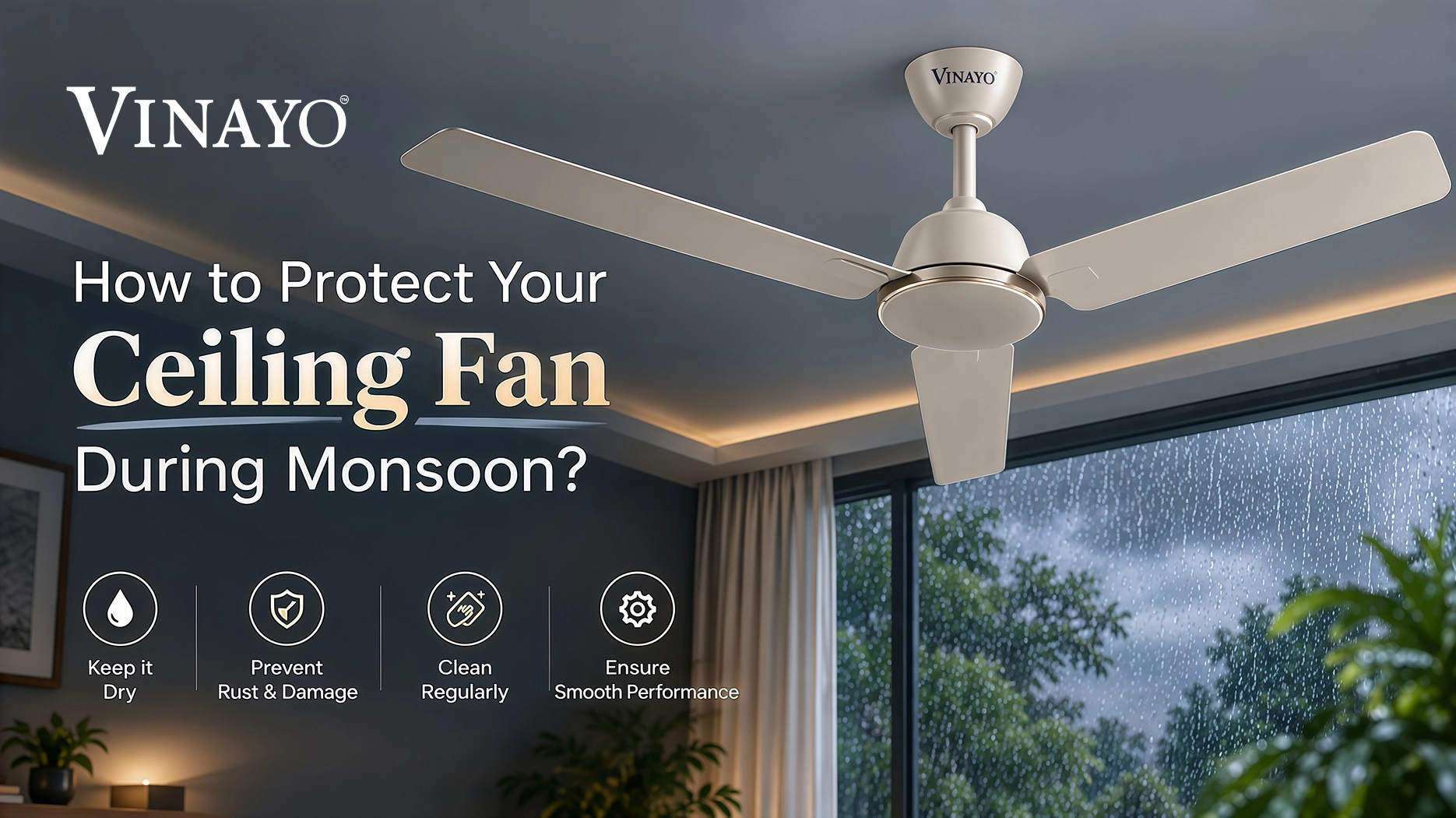
The increased levels of humidity, moisture and dust can affect many of your household appliances, including your ceiling fan. It is important to take some precautions during the rainy season to prevent potential moisture related issues and ensure the fan runs smoothly and is clean. Moisture may cause metallic surfaces to rust, dust may combine with the fan’s blades and other elements of the fan can be affected. Taking care of a few easy steps can ensure that your ceiling fan is well maintained. Below are a few tips to take care of your ceiling fan during the monsoon.
1. Keep The Fan Dry and Free of Dust
Due to the high levels of humidity, dust may stick to the fan blades and other parts. Make sure to clean the fan blades and other visible parts on a regular basis with a soft and dry cloth. Dust can build up with moisture and impact the fan’s balance and airflow. It is important to remove the dust regularly and keep the fan looking spotless to ensure that there is less dust around the motor fittings. Always make sure to switch off the fan and power supply before cleaning, and ensure the fan is completely dry before using.
2. Check Blades and Other Elements for Rust
Due to high levels of humidity, metals and fittings may begin to rust. Make sure to look out for blades, fittings, screws and other metal parts for signs of rust. If initial signs of rust begin to appear, it is best to avoid using the fan in a room with excessive humidity. Keeping your fan clean and dry can reduce the amount of moisture and dust building up on metallic elements. If you notice extensive signs of rust, or if there is a problem with any important component, it is best to have the fan looked at by a qualified technician.
3. Check Wires and Other Electrical Components
It is one of the most important times to check the wires and other electrical components for any fault, damage or signs of sparking. Look for visual signs such as damaged insulation, loose connections, burning smells or unusual electricity related activity. If you notice anything unusual, it is best to avoid repairing the wiring yourself. In the event of any electrical issues, always switch off the power supply and get in touch with a qualified technician to fix the problem.
4. Watch Out for Unusual Sounds
Unusual sounds coming from the ceiling fan can stem from a number of potential issues such as a loose fan blade, loose fittings, imbalance or dust gathering in hard to reach places. A clicking, rattling, humming or strange vibrating noise should not be ignored if it persists during operation. Switch off the fan and look for any visible problem. If the sound persists, it is best to have the fan inspected by a professional.
5. Keep the Fan Away from Moisture When Cleaning
When cleaning your fan, make sure not to use any liquid to clean the motor, or any other electrical components. A dry or slightly damp cloth should be enough to clean the visible and safe parts. Never spray water or any cleaning products onto the fan, motor, regulator, remote receiver, or other electrical connections. Make sure all accessible surfaces are dry before switching the fan on. Avoid cleaning the fan when the surrounding area is wet or there is a chance of water reaching the electrical components.
6. Keep the Room Well Ventilated
A well ventilated room allows excess moisture to dissipate, allowing for a more comfortable indoor environment, and preventing prolonged exposure of your household appliances to humidity. Try to ensure the room is well ventilated by opening windows or using other appropriate methods when the weather allows. This is especially useful for rooms that sit closed for long periods of time during the rainy season. Better ventilation can also help reduce the amount of dampness affecting ceilings, walls and other places where you have installed your household appliances.
7. Get the Fan Serviced If Necessary
If you notice strange issues with your fan such as decreased speed, unusual heating, strange sounds, excessive wobbling or electrical problems, it is best to get the fan serviced by a qualified technician. Regular inspection can help identify potential issues before they become more serious. It is particularly useful if the fan has been used for a long period of time, or has already begun to show signs of wear. Avoid opening the motor casing or trying any electrical repairs yourself.
8. Check for Water Leakage Around the Ceiling
During heavy rains, water may sometimes seep through the roof or ceiling. If the fan has been placed close to an area affected by dampness or leakage, the electrical components may be affected by moisture. Check the area around where the fan has been installed for water marks, damp patches, or dripping. If you notice any leakage around the fan, switch off the power supply and get the problem checked before using the fan again.
9. Check the Fan Mounting and Fittings
The fan should remain secured to the ceiling. Excessive wobbling or movement can suggest that the fittings and mounting have become loose or that the fan has become unbalanced. During the monsoon, it is good to be vigilant about any changes in the fan’s stability. If you notice excessive wobbling, switch off the fan and have the mounting and fittings inspected by a professional.
10. Be Careful During Power Fluctuations
Heavy rain and storms can sometimes be accompanied by fluctuations and interruptions to the electricity supply. If the fan suddenly changes speed, repeatedly stops or behaves unusually after a power fluctuation, it is better to switch it off and have it checked. Avoid trying to switch the fan on and off repeatedly when there is an unstable electricity supply. If the issue persists, contact a qualified electrician or technician.
11. Take Care of the Fan Remote
If your ceiling fan comes with a remote, keep it in a dry location during the monsoon. Avoid placing it too close to windows, damp surfaces, or any area where water may accidentally get to it. Use clean and dry hands while operating the remote, and remember to replace the batteries as needed. Keeping the remote clean and dry can help maintain proper operation.
12. Clean the Fan More Regularly During Humid Weather
Due to the nature of moisture causing dust to stick more easily to surfaces, your fan may need more frequent cleaning during the monsoon. Wipe the blades and accessible external parts regularly with a soft cloth. It can help to keep it clean and reduce the amount of dust that may gather, leading to imbalance or affect the fan’s appearance. Always switch off the fan before cleaning and avoid touching electrical components.
13. Watch for Reduced Speed or Performance
If your ceiling fan begins to run at a slower speed than usual or with less airflow, do not ignore the change. Reduced performance can have a number of potential causes, including electrical, mechanical, dust accumulation or other component related issues. If cleaning does not solve the issue, get the fan checked by a qualified technician.
14. Avoid Ignoring Burning Smells or Excessive Heating
A burning smell or unusual heating should always be taken seriously. It can suggest an electrical or mechanical problem which needs to be inspected. If you notice a burning smell, sparks, excessive heating or any other serious warning sign, immediately switch off the power supply and avoid using the fan until it has been checked by a qualified professional.
15. Give Your Fan a Quick Check After Heavy Rain
After heavy rainfall or storms, spend a few minutes to inspect your ceiling fan and the surrounding ceiling area. Check for visible moisture, water leakage, unusual noise, loose fittings, rust, excessive wobbling or performance changes. Seeing a potential issue early can help prevent further damage and ensure safer use.
Final Thoughts
A little bit of extra care goes a long way, to ensure your ceiling fan remains clean, free from dust, and protected from excessive moisture and other environmental factors during the monsoon season. Regularly cleaning the fan blades, checking for signs of rust, keeping electrical components dry, maintaining good room ventilation and watching for unusual sounds or changes in performance can all help maintain your ceiling fan. It is equally important to be vigilant about the ceiling around the fan. Water leakage, damp patches, or moisture near the installation point should be addressed promptly. If you notice sparking, damaged wiring, a burning smell, unusual heating, severe wobbling or any other electrical issues, turn off the power supply and contact a qualified technician rather than trying to repair it yourself. With proper care and regular maintenance, your VINAYO ceiling fan can continue to provide comfortable airflow and reliable performance throughout the monsoon season and beyond.
Frequently Asked Questions
Find answers to common questions about ceiling fan care and maintenance.